
Maildock – Email App for Gmail
Manage your Mailbox Quickly
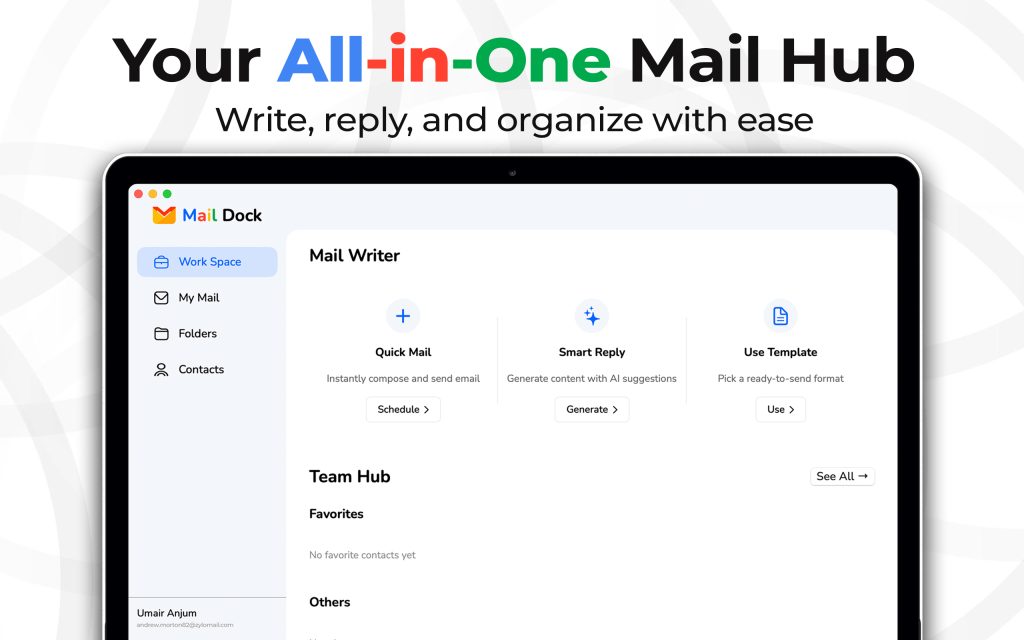
MailDock is a smart email management tool designed to make communication faster, easier, and more organized.
- Quick Mail: Instantly compose and send emails without any delay. Whether it’s a simple note or a detailed message, Quick Mail ensures you can schedule or send messages in just a few clicks.
- Smart Reply – Save time with AI-powered suggestions for your responses. Smart Reply generates relevant content to help you reply instantly while keeping your emails professional and personalized.
- Use Template – No need to write from scratch every time. Choose from ready-to-send templates that speed up repetitive tasks like follow-ups, newsletters, or formal requests.
- Team Hub – Stay connected with your team by organizing contacts under Favorites or Others. This makes collaboration and communication easier than ever.
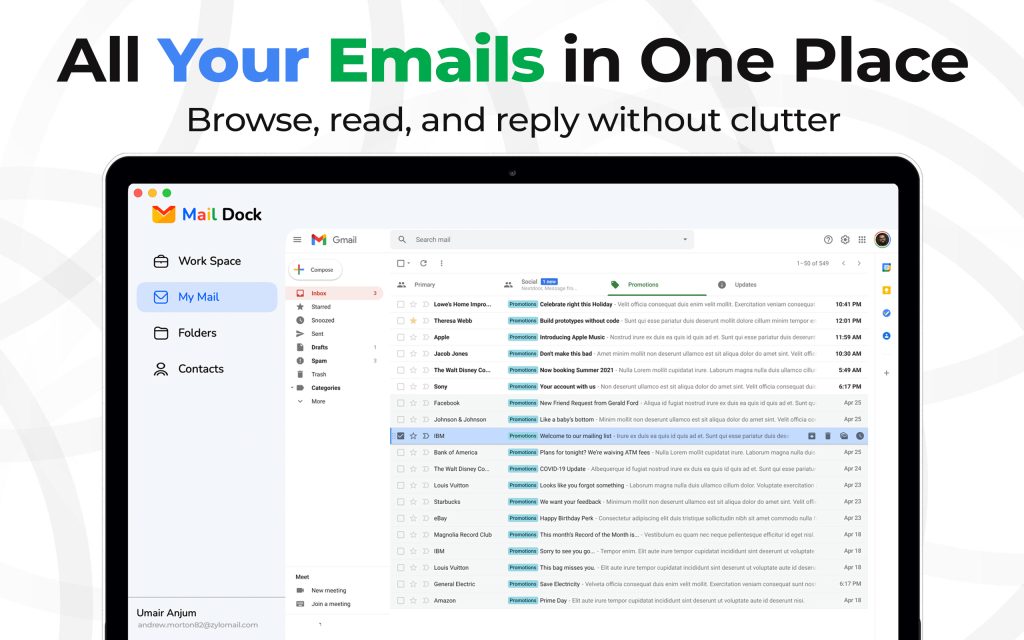
MailDock brings Gmail’s power into a clean, organized hub—making it easier to browse, read, and reply without clutter.
- Unified Inbox – Access all your Gmail messages directly inside MailDock without switching tabs or apps.
- Category Tabs – View Primary, Social, Promotions, and Updates in a structured way to stay organized.
- Quick Search – Instantly find any mail with a powerful search bar right at the top.
- Compose & Reply – Write new emails or respond directly without leaving the interface.
- Smart Labels & Filters – Keep important emails visible while promotions and less urgent messages stay out of the way.
- Full Gmail Features – Starred, Snoozed, Drafts, Sent, Spam, Trash—all accessible in one sidebar.
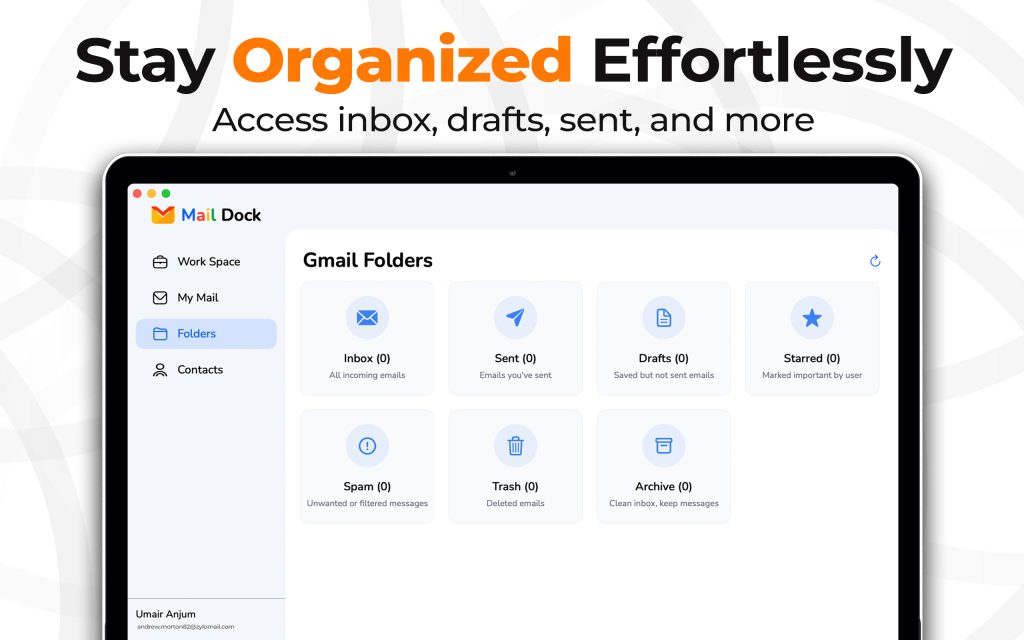
MailDock keeps your email perfectly structured by giving you quick access to all essential Gmail folders in one clean view.
- Archive – Clear your inbox without losing important emails by moving them safely to archive.
- Inbox – All incoming emails neatly arranged for easy browsing.
- Sent – Access every email you’ve already sent in seconds.
- Drafts – Review and edit messages saved but not yet sent.
- Starred – Quickly find emails you’ve marked as important.
- Spam – Keep unwanted or filtered messages out of your main inbox.
- Trash – Deleted emails stored temporarily for recovery or removal.
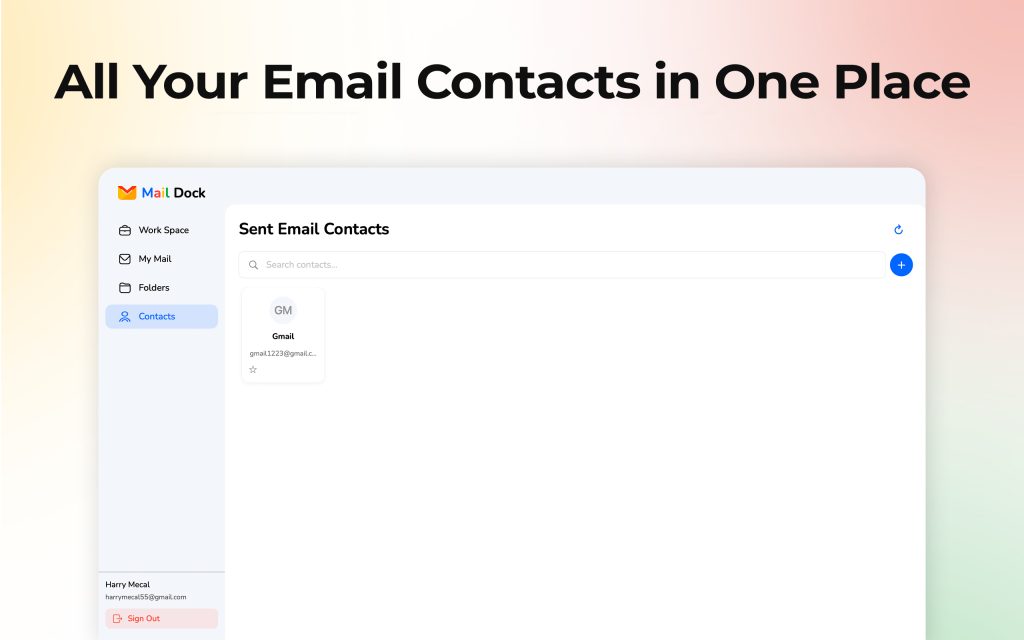
The Sent Email Contacts section keeps all your important connections organized and easy to manage. You can instantly find, favorite, or add contacts without losing track of who you’ve emailed before.
- All Contacts in One Place – Access everyone you’ve sent emails to.
- Quick Search – Find any contact instantly with the built-in search bar.
- Contact Cards – See names, email addresses, and profile icons clearly.
- Favorites – Star important contacts for faster access.
- Add New Contacts – Use the “+” button to add new entries anytime.
- Stay Synced – Refresh your list to keep it always up to date.
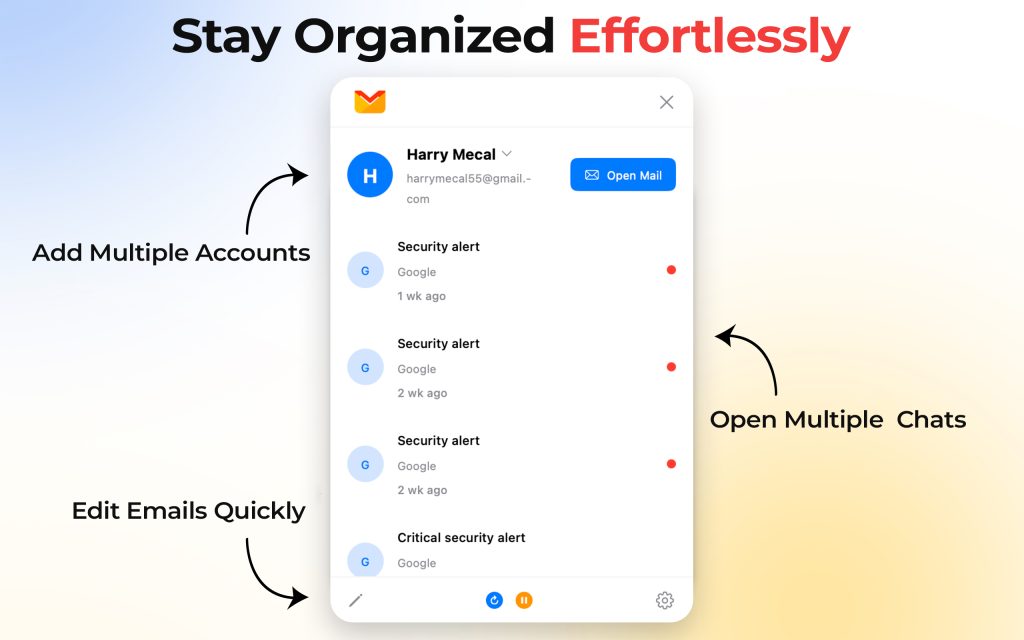
Managing your emails becomes smooth and stress-free with MailDock. From switching between accounts to handling multiple conversations at once, everything is designed to keep you organized effortlessly.
- Add Multiple Accounts – Manage all your email addresses in one place.
- Open Multiple Chats – Keep different conversations active without losing track.
- Edit Emails Quickly – Make changes and send updates in just a few clicks.
- Stay Organized Effortlessly – Enjoy a clutter-free inbox with simple, smart tools.